Accessing MyInsta's settings
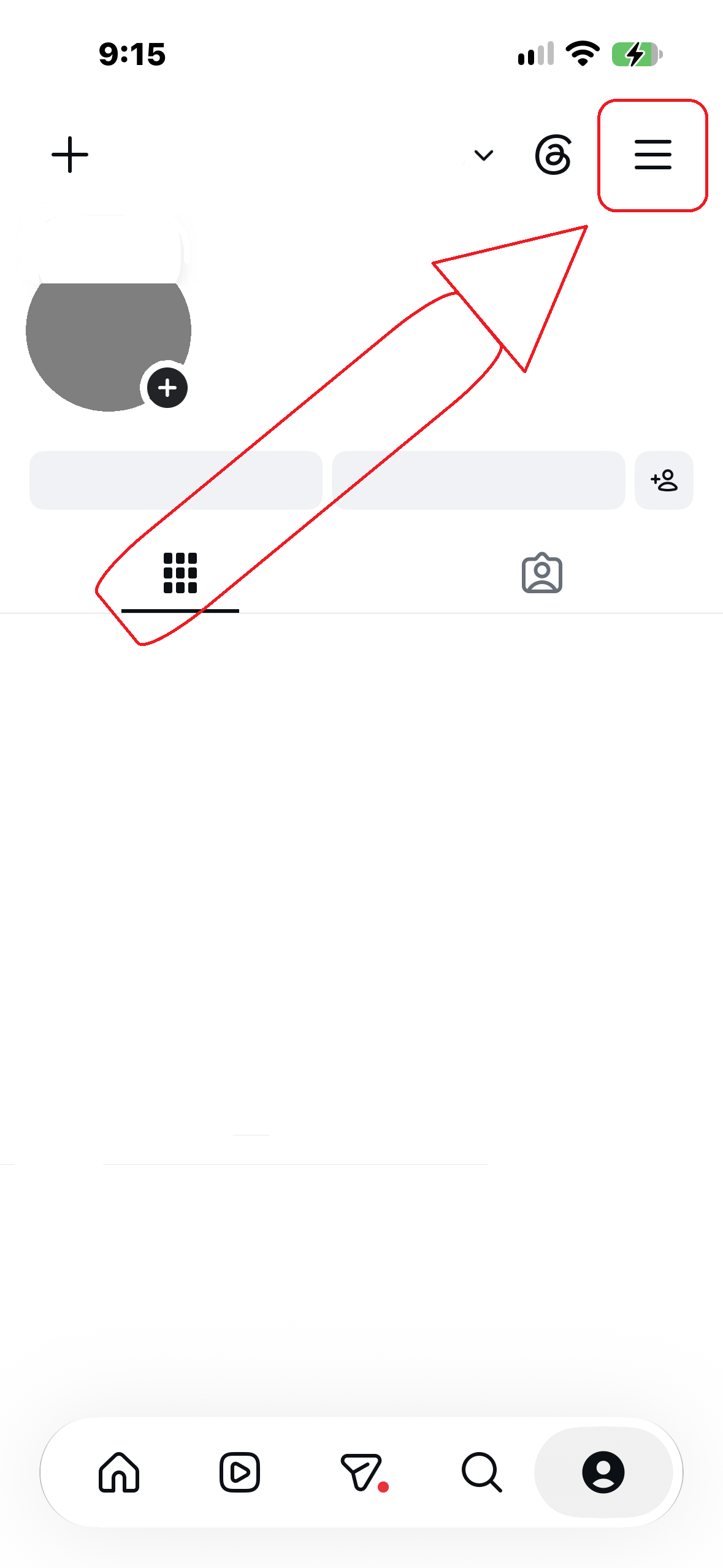
Opening MyInsta's settings is way easier than many people think, all you have to do is hold the hamburger (≣) button on the top right of your profile page.
Difference between clone & unclone variants.
Every app on android, Instagram included, has its own identifier referred to as "Package Name". This package name helps Android distinguish each app, meaning each app on the device has a its own unique one causing MyInsta being unable to be installed without replacing the official Instagram app. The solution to this is making two separate versions of MyInsta, one replacing Instagram and one that installs alongside it, clone and unclone. The only difference between the two is the identifier mentioned earlier, so choosing one comes down to personal preference.
What's Instasmash and InstaDM?
Instasmash is what MyInsta used to be called before being renamed.
InstaDM acts as a messenger client for Instagram, similar to how messenger is for Facebook. It essentially strips down Instagram to only include the messages tab, for a distraction free experience.
What are experiments?
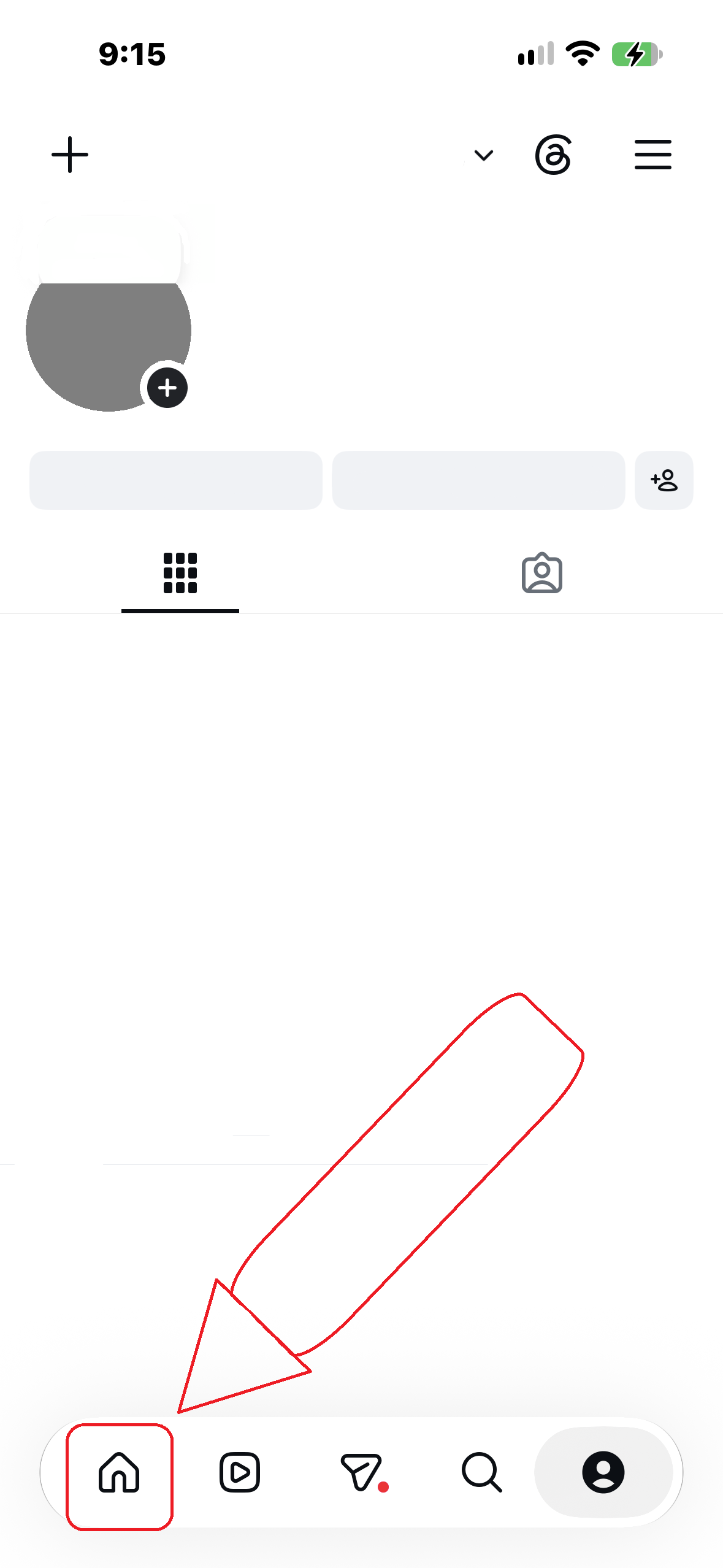
Instagram has a hidden suite, hidden by default, that includes various debugging and developer tools including the so called "Experiments". Think of them as the "mood" of Instagram: Depending on how you configure them, Instagram will behave accordingly. They are mainly used by the community to unlock hidden features locked behind them. To access the experiments library, you need to hold the home icon (⌂) on the navigation bar and then select "MetaConfig Settings & Overrides". Do note that enabling experiments that you don't know their use can cause Instagram to be unusable, sometimes requiring to delete MyInsta's data.